So you bought a new drive. The box says 1 TB, you plug it in, and your computer is all like “actually, it’s 931 GB.” And you think: great, they shaved off 69 GB before I even started. Either the box lied, or my computer is trying to gaslight me.
It’s neither. It’s just that “gigabyte” means two things, depending on who’s doing the counting.
Storage companies count in decimal. One gigabyte is a nice round 1,000,000,000 bytes. Your operating system counts in binary — 1 GiB is 1,073,741,824 bytes, because computers like powers of two. Take a trillion bytes, divide by the binary number, and you get about 931. It’s not missing. It was never going to be there. The drive is exactly what it says — it just says it in marketing.
This used to be a footnote on every tech forum until someone turned it into a conspiracy theory. It’s not. The two systems have names — kB, MB, GB are decimal; KiB, MiB, GiB are binary — but nobody uses them, so everybody gets the “wait, my drive is smaller” moment exactly once in their life.
Want proof instead of trust-me-bro? Type 1 TB into our data converter and it shows both columns side by side — the decimal number and the binary one. Watch the 931 appear. It’s kind of satisfying, in a “I understand the scam now, and it was never a scam” way.
Anyway. Your drive is fine. It was always going to show 931 GB. The only thing that actually shrinks is your patience, and that one doesn’t come with a warranty.
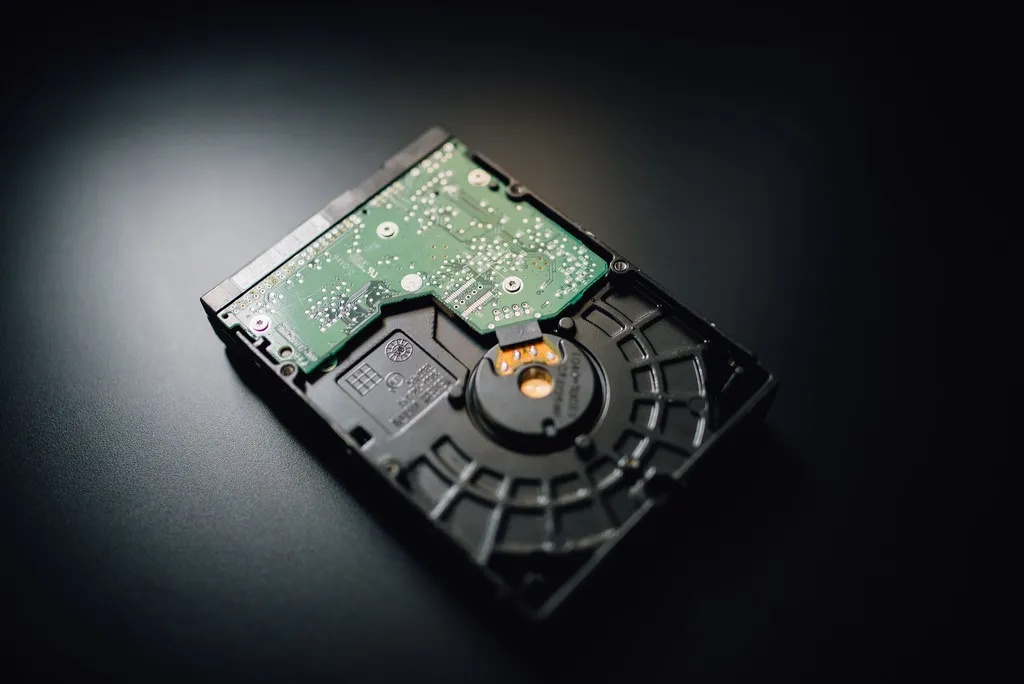
Hero photo: Ivan Radic, CC-BY 2.0, via Flickr.